Registering Your GunVault
Registering your GunVault is a step after purchase. It creates a record of your product information and can make warranty claims, replacement-part requests, key orders, and customer-support conversations easier to manage.
Before starting, locate your GunVault model number and serial number. Depending on the model, this information may appear on a label attached to the exterior, inside the unit, or within the original product documentation. Record these numbers exactly as shown. The serial number is important because it may be required for warranty service or replacement-key requests.
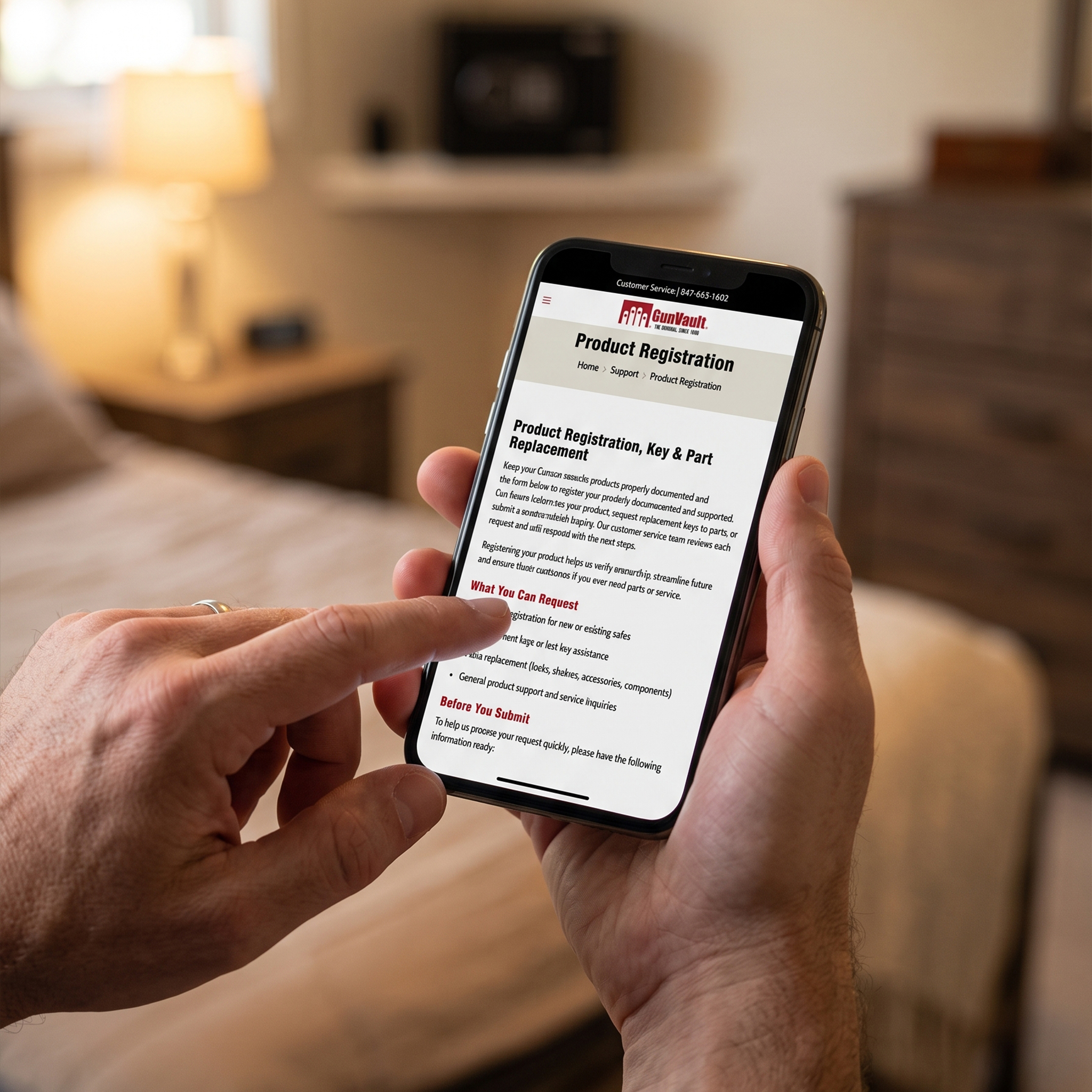
Next, gather your purchase details, including the retailer’s name, purchase date, and receipt. Visit the Product Registration section on GunVault.com and complete each required field. Check your entries before submitting the form, especially the model and serial numbers. Incorrect information could delay future assistance.
Keep a copy of your registration confirmation, receipt, and product information in a secure location separate from the GunVault. Do not store your only backup key, access code, or registration records inside the vault. If you become locked out, those materials must remain accessible.
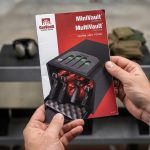
Registration does not replace proper setup and maintenance. Read the product manual, install fresh batteries when required, program and test every authorized entry method, and secure the unit according to the manufacturer’s instructions. Continue checking the batteries, lock, hinges, mounting hardware, and backup access periodically.
Taking a few minutes to register your GunVault helps establish a reliable ownership record and prepares you for faster support if a question, service need, or replacement request arises later.